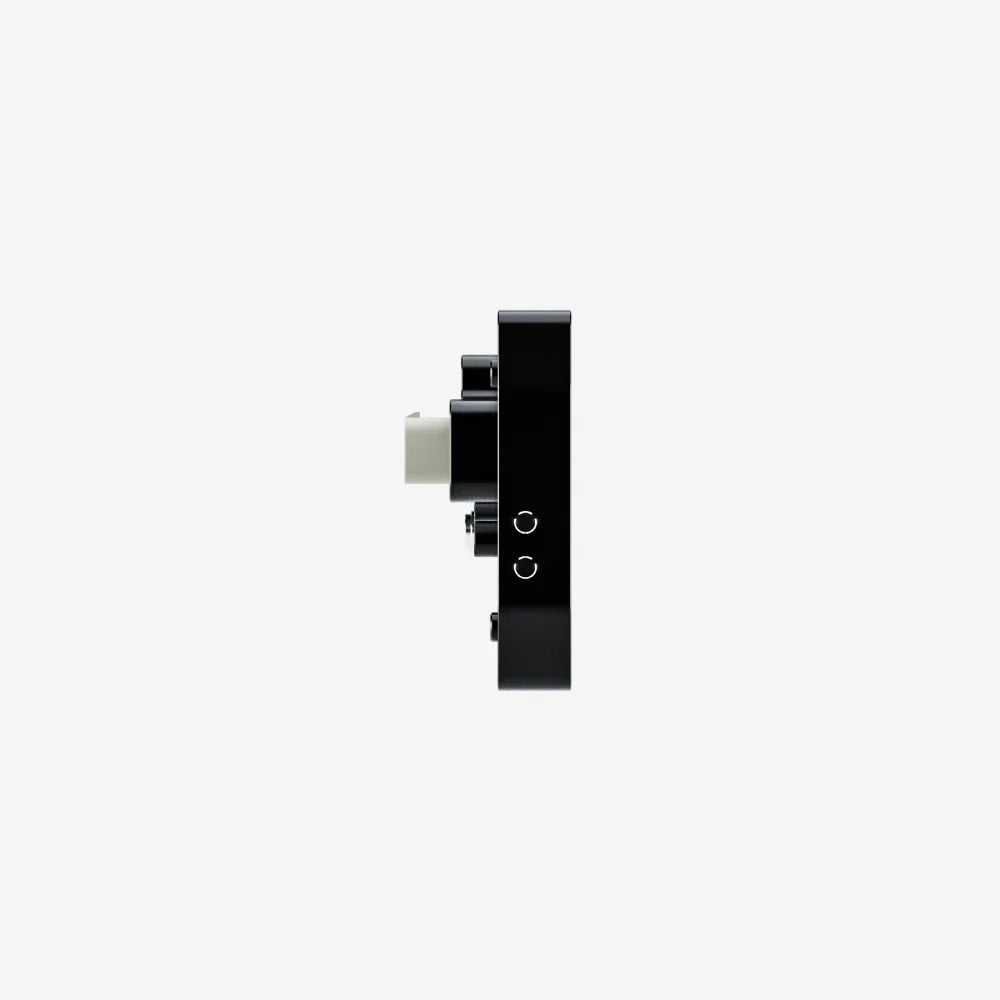
AIM
AIM MXT 1.3 Strada 10" NON Logging Digital Dash Display

Couldn't load pickup availability
| Brand | AIM Technologies — Italy |
| Model | MXT 1.3 Strada — version 1.3 |
| Display Size | 10 inch TFT colour display |
| Resolution | 1280 x 768 pixels — higher resolution than MXS, MXP and MXG |
| Logging | NON logging version — display only, no onboard data storage |
| Connectivity | CAN bus — requires CAN-USB adapter and Race Studio 3 software for sim use |
| Sim Compatibility | Compatible with sim racing via AIM CAN-USB adapter + Race Studio 3 configuration |
| Display Pages | Up to 10 configurable display pages |
| Alarm Functions | Visual and shift light alarms configurable |
| Shift Lights | 10 RGB LED shift lights built in |
| Inputs | 4 analogue inputs, 2 speed inputs, CAN, RS232 |
| Software | Race Studio 3 — free AIM configuration software required |
| Power | 8-15V DC |
| MXT vs MXG | MXT is 10 inch with higher 1280 x 768 resolution — the flagship Strada display. Best for full enclosed cockpits and professional simulator builds. |
| Supplied By | Tegiwa Imports — authorised UK AIM distributor |
| VAT | Price shown includes VAT |
The AIM MXT 1.3 Strada is the flagship of the MX Strada digital dash range — a 10 inch TFT colour display with a higher 1280 x 768 resolution that steps up significantly from the 800 x 480 resolution of the MXS, MXP and MXG. This is the display for serious enclosed cockpit builds, full simulator facilities and professional driver training environments where screen size and clarity are the priority.
At 10 inches the MXT fills a cockpit dashboard in the way a real prototype or GT car display would — the increased resolution means data is crisp and readable at normal driving distances, and multiple channels can be displayed simultaneously without the layout feeling compressed. The same CAN bus connectivity and Race Studio 3 configuration applies as across the rest of the Strada range.
- 10 inch TFT colour display — 1280 x 768 resolution
- Higher resolution than MXS, MXP and MXG — crisper data display
- 10 RGB LED shift lights — configurable colour and trigger points
- Up to 10 fully configurable display pages
- CAN bus input — sim racing compatible via AIM CAN-USB adapter
- 4 analogue inputs, 2 speed inputs, RS232
- Visual alarm functions configurable via Race Studio 3
- NON logging version — display only, no onboard data storage
- Race Studio 3 software — free download from AIM website
- 8-15V DC power input
Which size to choose: 5 inch MXS for compact formula builds, 6 inch MXP for mid-size GT builds, 7 inch MXG for full GT cockpits, 10 inch MXT for professional enclosed simulator builds where maximum screen size and resolution matter.
Sim Racing Setup: This display connects to your sim racing PC via USB and works with SimHub — a free application that pulls telemetry data directly from your game and sends it to the display. No CAN adapter or additional hardware is required. SimHub supports all major sim racing titles including Assetto Corsa, iRacing, F1, Gran Turismo and more. Download SimHub free at simhubdash.com before setting up your display. Contact us if you need any guidance on getting set up.
Share

Frequently Asked Questions
Can these displays actually be used with a sim racing setup?
Yes — the AIM MX Strada NON Logging displays connect via CAN bus, which allows them to receive data output from a simulator running on a PC. To set this up you need the AIM CAN-USB adapter (sold separately) and Race Studio 3 software (free download from the AIM website). The CAN-USB adapter bridges the connection between your PC and the display, and Race Studio 3 is used to configure which simulator data channels map to which display functions. Contact us before ordering if you need guidance on the full setup.
What is the difference between the NON Logging versions and the IVA Plug & Play versions?
The NON Logging versions listed here connect via CAN bus and are compatible with sim racing setups via the CAN-USB adapter. The IVA Plug & Play versions are designed specifically for road-legal UK kit cars — they connect via plug-and-play harnesses to real vehicle wiring looms and are not compatible with simulator use. We only stock the NON Logging versions for this reason.
What is the CAN-USB adapter and do I need it?
The AIM CAN-USB adapter is a separate hardware device that converts USB output from your PC into the CAN bus signal the display reads. Without it, the display cannot communicate with your simulator. It is sold separately — contact us for pricing and availability alongside your display order.
What software do I need?
Race Studio 3 is the free configuration software from AIM used to set up and customise your display. It allows you to configure display pages, set shift light trigger points, assign simulator data channels to display fields, and set alarm thresholds. It is available as a free download from the AIM Technologies website.
Which display size should I choose for my cockpit?
The 5 inch MXS suits compact formula-style builds where space on the steering column or dash plate is limited. The 6 inch MXP is a good all-round choice for GT cockpit builds. The 7 inch MXG suits full GT and prototype cockpit builds where you want a prominent dashboard display. The 10 inch MXT is for professional enclosed simulator builds where maximum screen size and the higher 1280 x 768 resolution are the priority.
What simulators are compatible with these displays?
Compatibility depends on the CAN bus output capability of the simulator and the configuration set up in Race Studio 3. Many major titles support CAN data output either natively or via third-party plugins. Contact us before ordering to discuss compatibility with your specific simulator and setup — we can advise on what configuration is required.
Do these displays require an external power supply?
Yes — the displays require 8-15V DC power input and are not USB powered. You will need a suitable power supply for your cockpit installation. Contact us if you need guidance on power supply options for your rig.
Can I customise the display pages and shift light colours?
Yes — all four displays support up to 10 fully configurable display pages. Shift light colours, trigger RPM points and alarm thresholds are all configurable via Race Studio 3. The displays are highly customisable to match your preferred data layout and cockpit aesthetic.
Why SimTorque
Every product on SimTorque has been personally selected for the UK sim racing market. We work directly with the brands we stock, which means we know the products inside out and can give you honest advice on what's right for your setup. No inflated ranges, no generic recommendations. Just the right gear from a store that knows its stuff.
The AIM MXT 1.3 Strada 10 inch display is the finest sim racing display I have used. The large screen means you can display multiple data channels clearly and the SimHub integration is perfect. AIM build quality is excellent and having a proper motorsport display completely transforms the feel of your sim rig.